

An Agent Workspace for people who live in Vim
Drive every coding agent the way you edit.
Adroit puts your Claude Code, Codex, Pi and OpenCode sessions side by side in one window, each in the interface its agent ships. You write to them in a real Neovim and move between them with Vim's motions, by hand.
Free and open source · macOS on Apple silicon, Windows from source, headless hosts for Linux · Early, expect rough edges
The hand on the work
Many tools run agents for you. Adroit is for working with them yourself, at the pace of your attention and your review, and for that to feel like editing rather than operating a dashboard.
Any agent, as it is
Claude Code, Codex, Pi and OpenCode run in the terminal interfaces they ship, unchanged, side by side. Pick the agent for the work, not the tool for the agent.
- Ctrl+gp
- next profile on a new session
Writing in Neovim
The prompt is a real Neovim, with your motions, operators, registers, mappings and plugins. Not an input line that imitates a few of them.
- i
- write to the session
- Ctrl+Enter
- send
Moving in Vim's grammar
Panes, the tree of sessions and what is selected are reached with motions and acted on with commands, as text is in Vim. Nothing needs the mouse.
- Ctrl+qhjkl
- move between windows
- Mod+j
- next session waiting on you
And the ground under it
What any place for agent sessions has to do well, done so it never gets in the way.
Waiting on you, first
Sessions that wait on an answer or a permission are listed again at the bottom of the tree, across every repository, one key apart. The picker lists them first too.
Sessions outlive the window
Sessions and shells run in hosts of their own. Close Adroit and they keep going; open it again, or several windows at once, and they are as they were. If the host itself goes, Adroit offers to bring them back.
Grouped the way git is
Sessions sit under the repository they run in, with its terminals and worktrees, each worktree's files beside them. The agent names each session once it knows what the work is.
A plan you can follow
Every agent records the plan of its work as a timeline of tasks, and marks each one as it goes. See where a session stands without reading its whole console.
The work at hand to read
The details panel shows the session, its changes and log through git or jj, its prompts and messages, the files and links it brought up, and its usage, arranged as you like.
Pull requests and issues
A repository on GitHub lists its open pull requests and issues in the tree. Read one in a tab, with its diffs and checks, or start a session on it in a worktree of its own.
Sessions beside sessions
A session can open another for a line of work you will want to steer, in a worktree of its own, and talk with the others as peers. Each one still answers to you.
Documents, drawn
Markdown documents open in a viewer drawn in Adroit's theme, diagrams and formulas included, and switch to Neovim with one key. Images open in a lightbox.
On another machine
Pair with a work machine and its sessions appear in the same tree, beside this Mac's, from any computer that joins it. Close the lid; the work goes on there.
Start by choosing where. Nothing else.
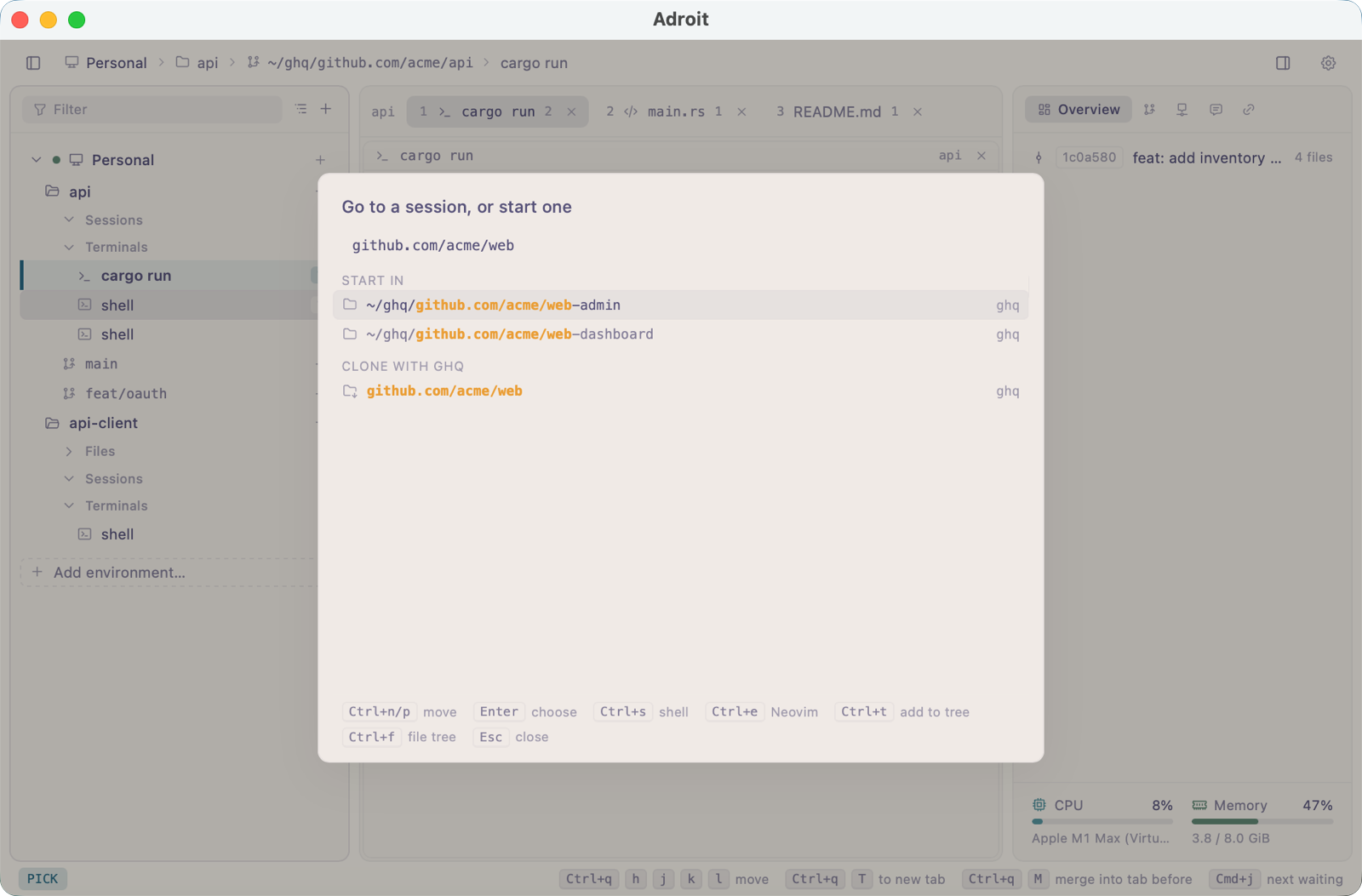
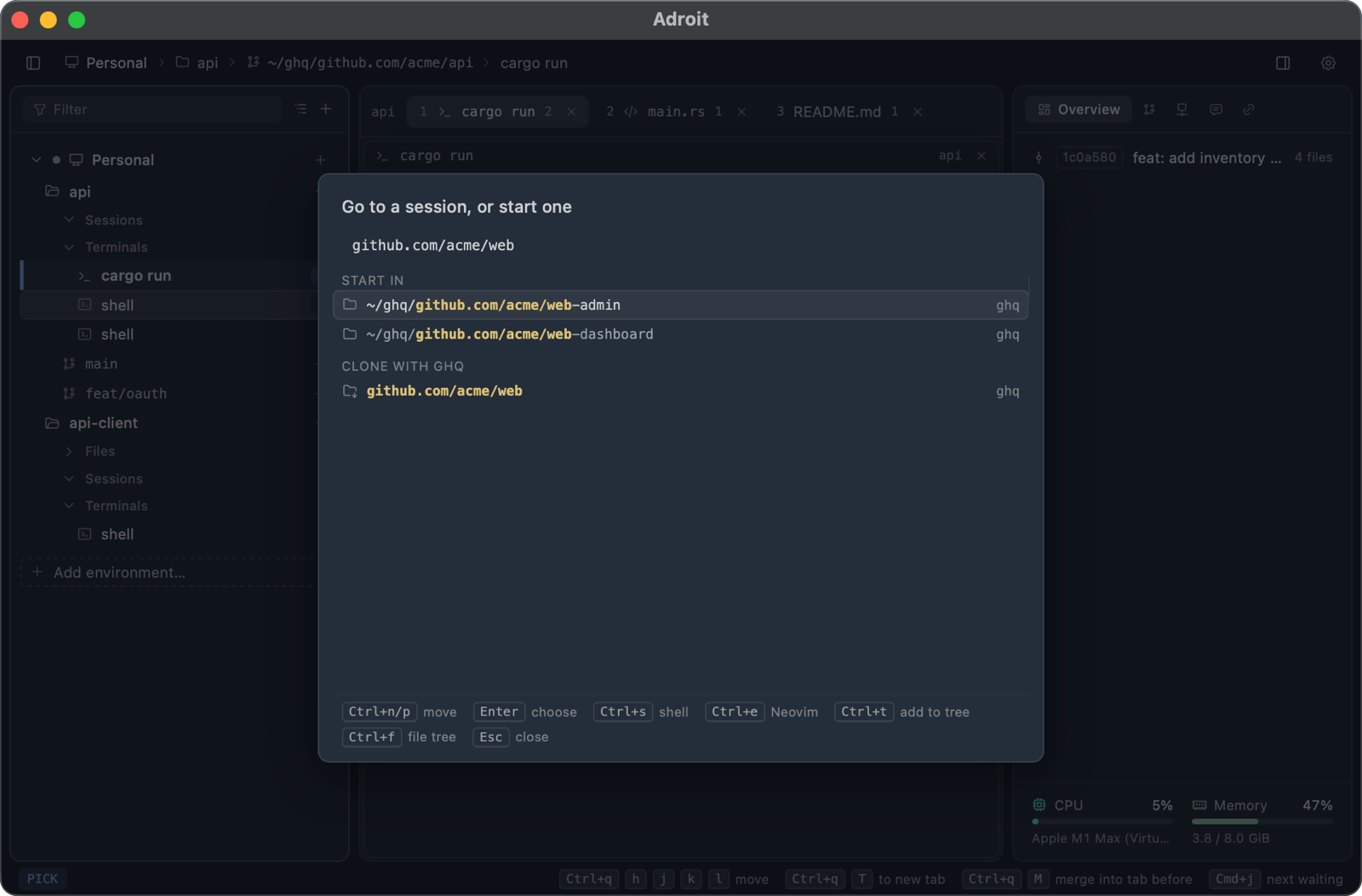
Press Mod+p, pick a directory from those already in use, from your ghq repositories or from a file tree, and write the first prompt. The session lands in the tree under its repository, and its agent names it once it knows what the work is.
No project to set up, no task to declare. What the work turns out to be shows as you go. With no directory at all, a scratch session talks it through and hands the work to a session in the project once it turns into one.
Not cloned yet? Type github.com/owner/repo, or github: to look through GitHub, and the picker clones it with ghq.
A shell where the work is.
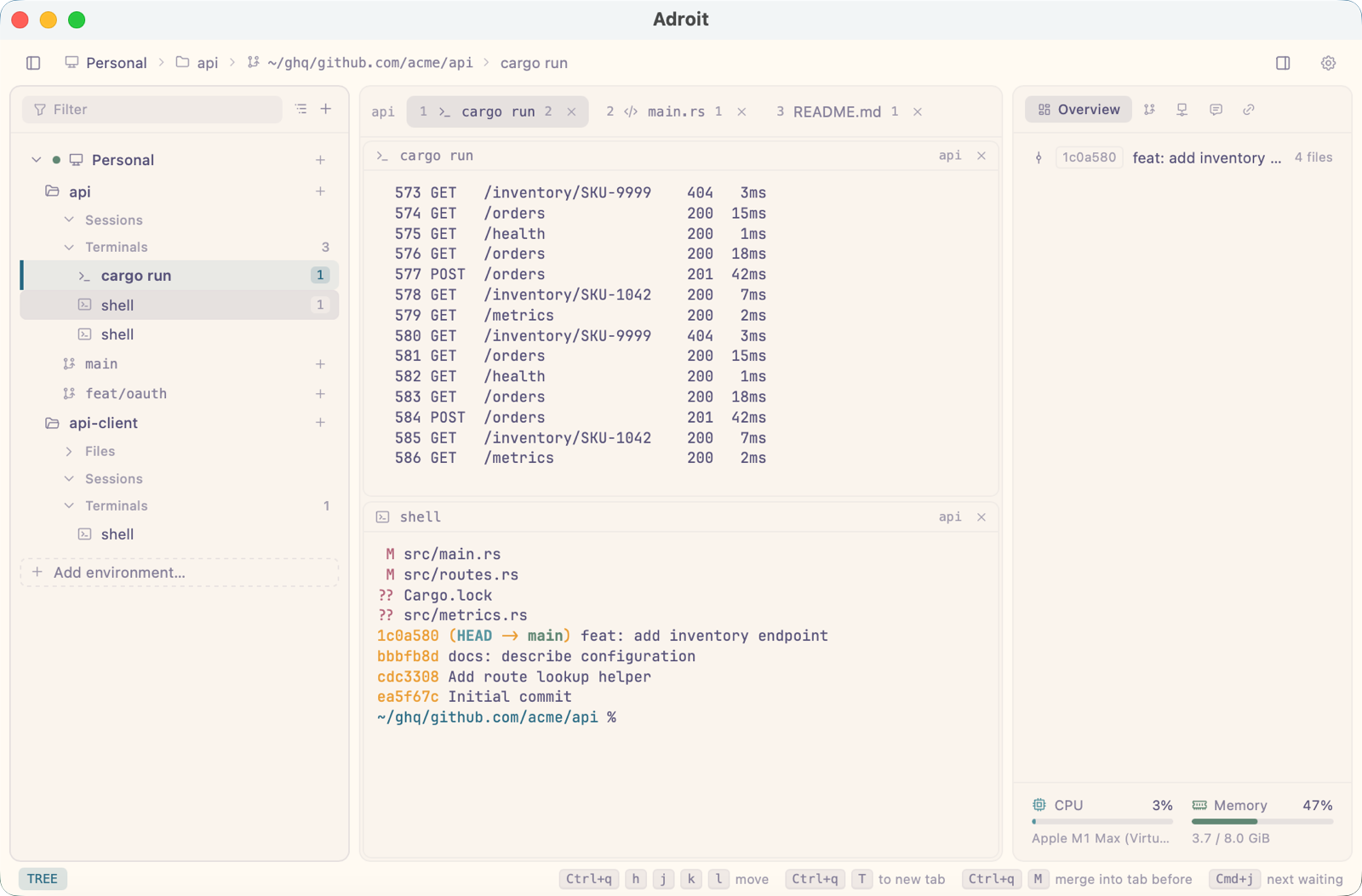
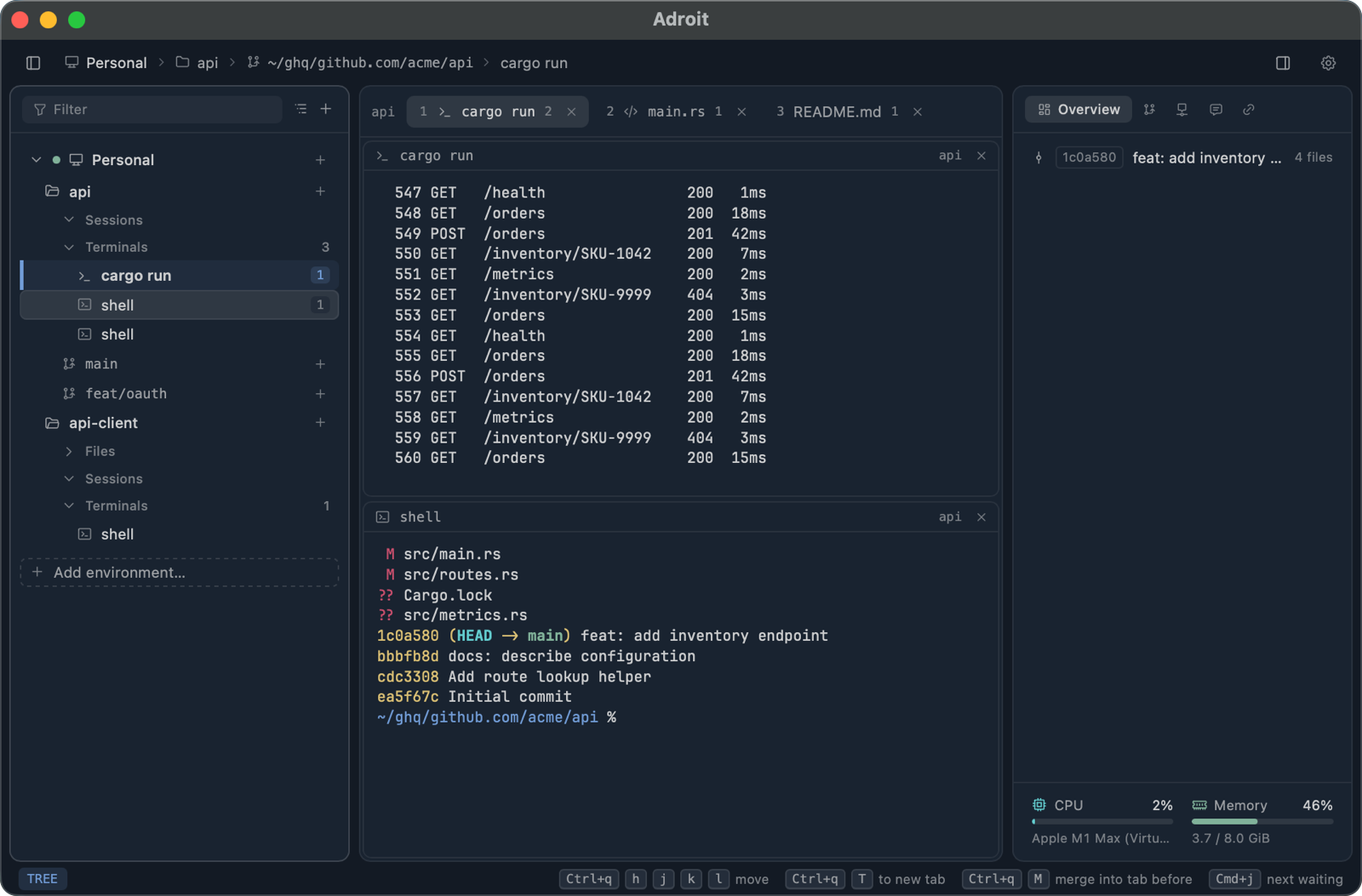
Press Mod+s and a shell opens in the current worktree, listed under its Terminals beside that worktree's sessions and files. Run the build or the tests there, and read them in the same window.
Like a session, a shell keeps running when the window closes. Sessions can start one too, so a dev server or a probe an agent runs is in the tree where you can see it, not hidden in the background.
Read what the work wrote.
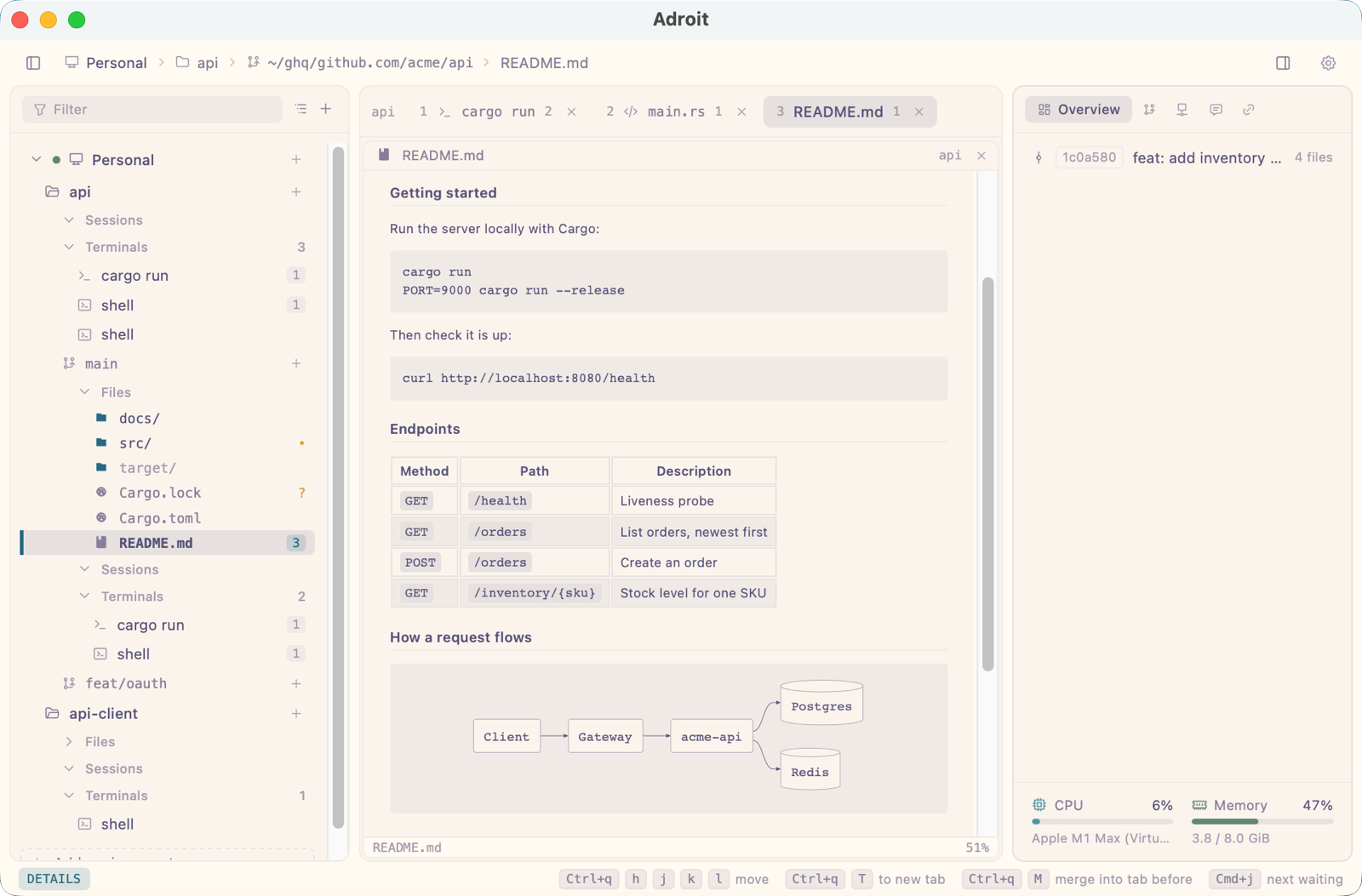
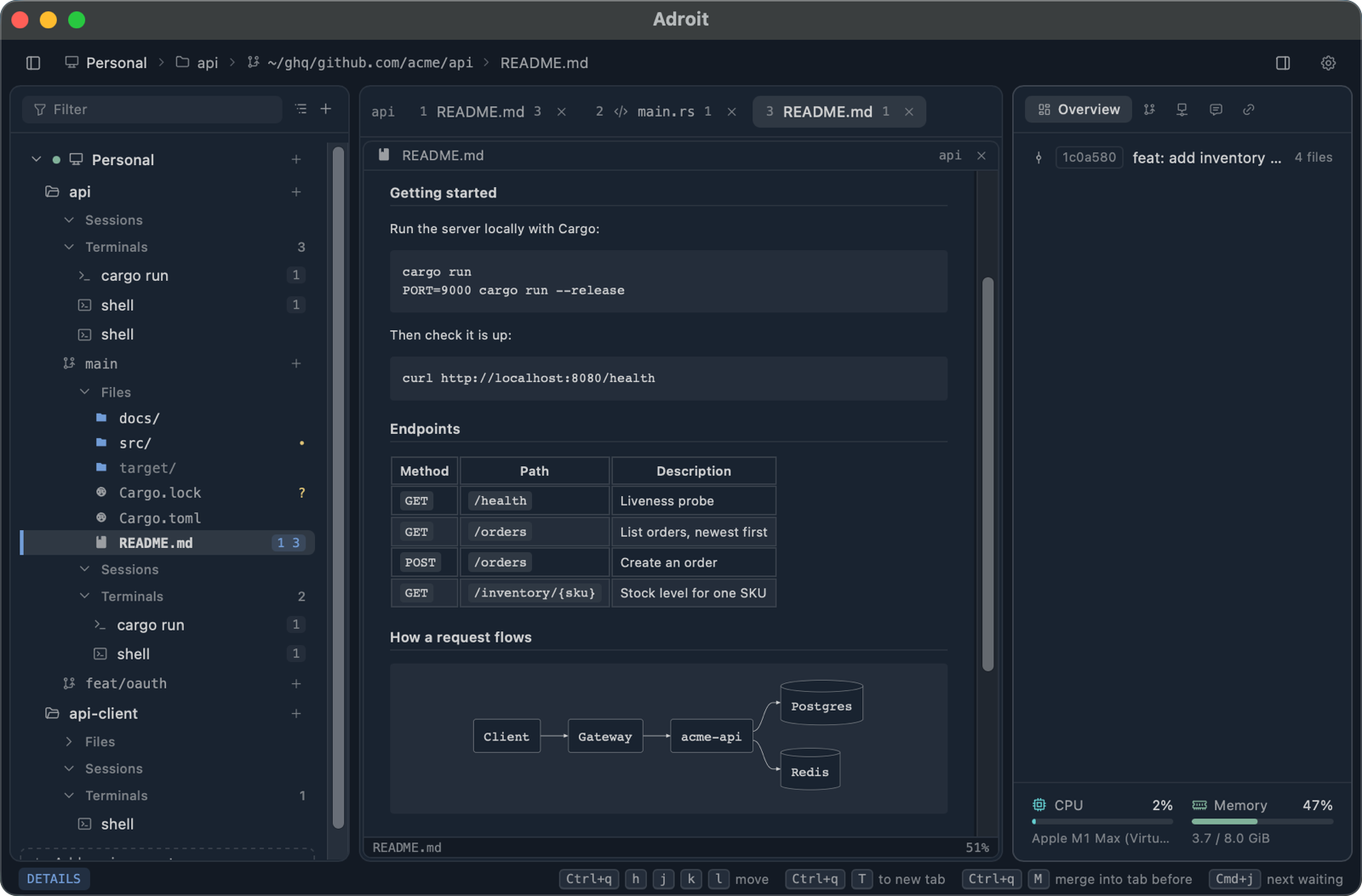
A Markdown document opens in a viewer drawn in Adroit's theme, as GitHub would draw it: tables, highlighted code, alerts, formulas and Mermaid diagrams included. It follows the file as the agent changes it, at the place you were reading.
Press e and the same window switches to Neovim on the document, and back. Images a session draws open in a lightbox, one key from the next.
The details, arranged your way.
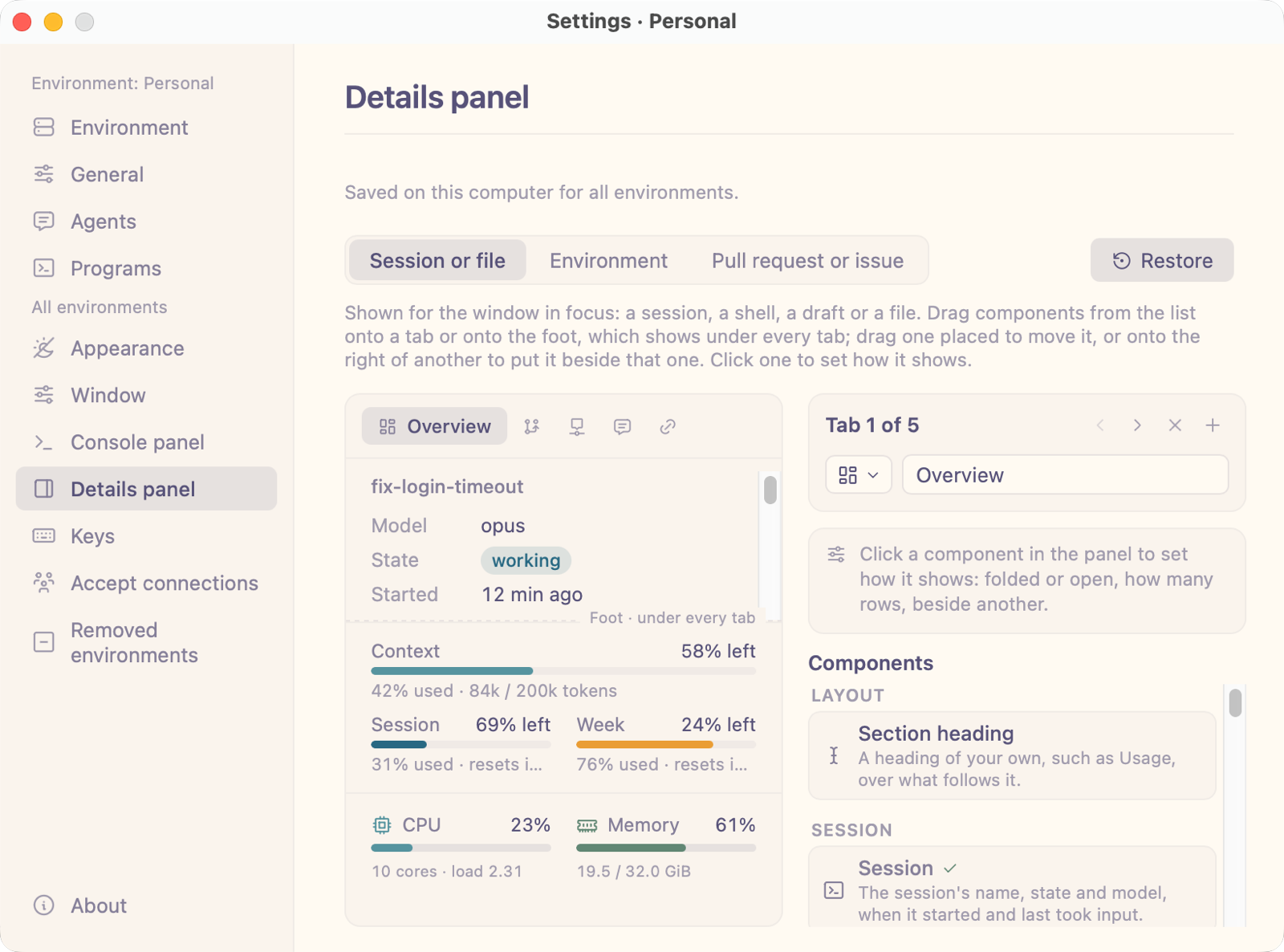
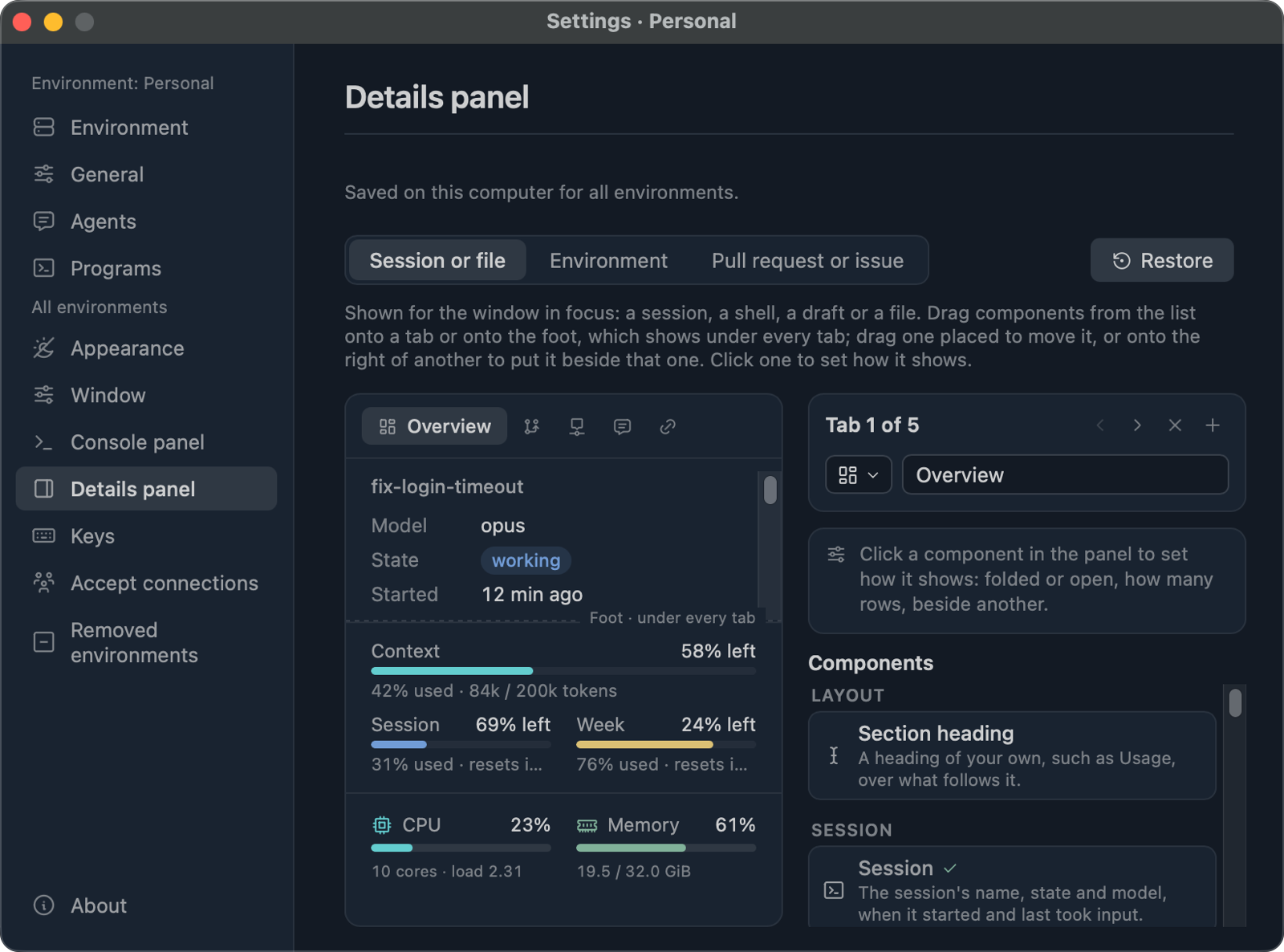
The details panel tells about what you are looking at: the session and its change, the timeline its agent records, its prompts and messages, the files and links it brought up, the account's limits and the machine's load.
Each of these is a component. Drag them onto tabs of your own, or onto the foot shown under every tab, on a picture of the panel in Settings.
What Adroit is not
- Not a chat view. It never rebuilds an agent's screen from structured output. An agent behaves in Adroit as it does in a terminal.
- Not an orchestrator. No session runs others as its workers. Each one plans and does its own work and answers to you.
- Not an editor. Files, logs and diffs are there to be read. Real editing happens in your usual editor, which Adroit opens beside the sessions.
Install
Adroit needs git and at least one supported agent on your PATH. jj, ghq and the GitHub CLI are used when installed.
Homebrew
The released app, for Apple silicon Macs.
brew install --cask adroit-app/tap/adroitNix
The same build from the flake, prebuilt in Cachix.
nix profile install github:adroit-app/Adroit